How Long Do Projector Bulbs Last: The Complete Technical Guide
Projector lamp longevity dictates your long-term viewing costs and maintenance schedule. Understanding ANSI lumen decay helps optimize your home theater investment.
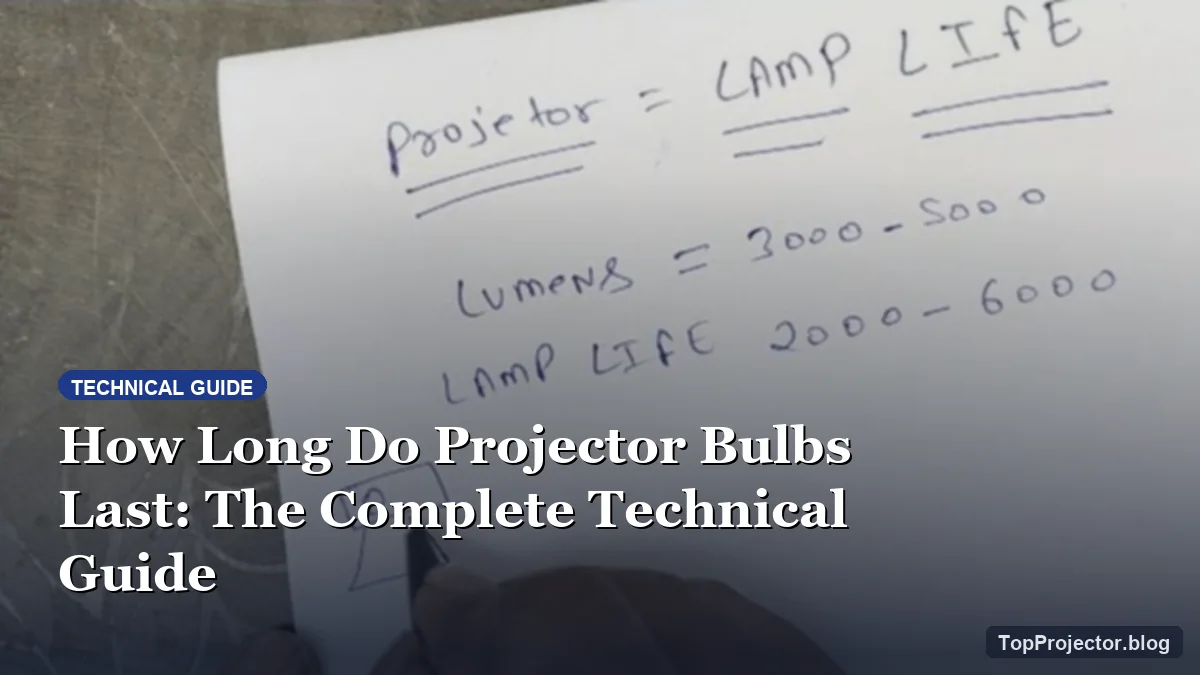
Standard high-pressure mercury lamps typically last 2,000 to 5,000 hours, while modern solid-state laser or LED light engines routinely exceed 20,000 hours before reaching fifty percent brightness.
Ready to compare verified models? Start with our Best Long Throw Projector: Top Theater & Venue Picks.
Practical Quick-Reference Table
| Light Source Type | Typical Lifespan Range | Primary Maintenance Need |
|---|---|---|
| UHP Mercury Lamp | 2,000 to 5,000 Hours | Periodic replacement and filter cleaning |
| Solid-State LED | 20,000 to 30,000 Hours | Dust-sealed optical engine upkeep |
| Laser Diode | 25,000 to 30,000 Hours | Active cooling airflow management |
| Brightness Decay | 50% ANSI Lumens | Standard threshold for lamp retirement |
| Eco Mode Impact | +30% to +50% Life | Reduces thermal stress and fan noise |
| Air Filter Care | Clean Every 100 Hours | Prevents catastrophic overheating events |
| Operating Temp | 41°F to 95°F Range | Maintains optimal diode performance |
Decoding Projector Light Source Technologies and Lifespans
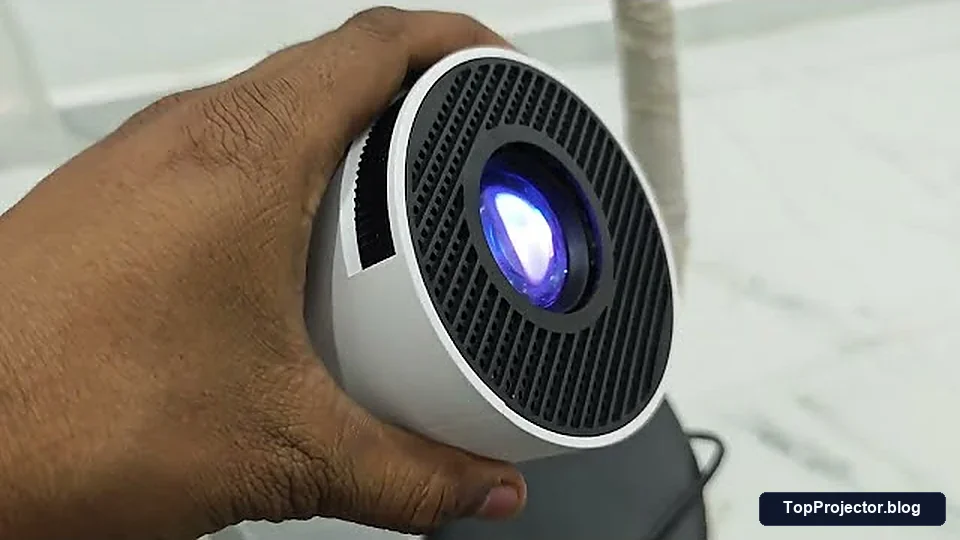
Projector lamp longevity depends on underlying illumination tech. Calculating your required brightness using our ANSI lumens room calculator helps determine if high-pressure mercury lamps suit your specific dark room environment.
Solid-state alternatives including LEDs and laser diodes bypass fragile gas-discharge glass entirely. These modern semiconductor light sources offer dramatically higher operating hour thresholds before experiencing noticeable degradation.
Traditional UHP lamps typically achieve 2,000 to 5,000 hours of operational life before experiencing significant lumen degradation, whereas solid-state laser diode engines regularly push past 20,000 hours of sustained brightness output.
- UHP mercury bulbs rely on high-pressure arc discharge physics.
- LED modules utilize direct semiconductor emission for vibrant colors.
- Laser diodes combine blue lasers with yellow phosphors for white light.
- Hybrid laser-LED engines maintain 75% color saturation much longer than traditional arc lamps.
Comparing UHP Mercury Versus Solid-State Lifespans
Traditional UHP bulbs degrade steadily due to electrode wear and tungsten evaporation. Users should expect replacements every two to five thousand hours of active viewing time.
Laser and LED engines eliminate consumable glass capsules. Most solid-state systems achieve twenty thousand hours or more before hitting critical lumen decay benchmarks.
- UHP bulbs require routine module swaps every few years.
- Solid-state engines often outlive the projector's electronic chassis.
Laser Diode vs Arc Lamp Thermal Management
Laser illumination requires rigorous internal heat sink design and active cooling systems to prevent premature diode failure when compared against standard mercury arc bulbs.
- Solid-state diodes lack fragile quartz envelopes prone to explosive shatter.
Understanding the Critical Fifty Percent Brightness Decay Rule
Manufacturer lifespan ratings do not mean the bulb suddenly stops working entirely. Instead, the rating marks the exact point where output drops to fifty percent of original ANSI lumens.
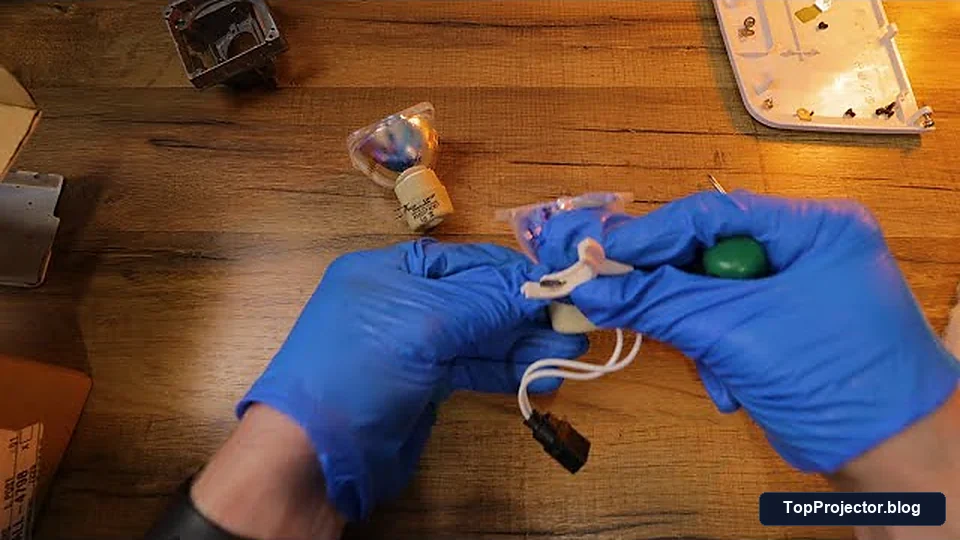
As high-pressure mercury arcs age, the quartz glass envelope darkens from tungsten deposits. This chemical process slowly robs your projected image of punchy contrast and dynamic range.
The industry standard Half-Brightness Life metric, often known as ANSI half-life, defines the exact point where a projector loses half its initial luminous output.
- Lifespan ratings measure half-brightness decay rather than sudden failure.
- Image contrast drops significantly long before total lamp burnout occurs.
- Ambient light rejection screens help mask early stages of lumen loss.
- Calibrated Eco mode settings extend this decay curve by reducing lamp wattage.
How Lumen Decay Affects Real-World Home Theater Viewing
A brand new model like the one tested in our BenQ HT2060 review outputs 3000 ANSI lumens, easily fighting ambient light. After three thousand hours, that optical engine delivers roughly 1500 lumens.
Dedicated dark rooms handle this gradual decay gracefully for longer periods. Lighter media rooms require earlier lamp replacements to maintain HDR specular highlight punch.
- HDR performance suffers rapidly as peak white output diminishes.
- SDR content remains watchable much deeper into the bulb lifecycle.
Measuring Lumen Depreciation in Dedicated Theaters
Using a calibrated lux meter at a fixed 100-inch screen distance lets you accurately track actual lumen output decline over extended operating periods.
- Log weekly foot-candle readings to map your specific lamp decay curve.
Video Walkthrough: Tips to extend the lifespan of your Projector Lamp
Core Environmental and Operational Factors Impacting Lamp Longevity
Your daily usage habits directly dictate whether your projector lamp reaches its maximum rated hours. Short viewing sessions create frequent thermal expansion cycles that stress fragile glass.
Ambient room temperature plays a massive role in thermal management. Checking options in our best projectors for under 500 guide reveals how proper chassis airflow prevents premature quartz devitrification.
Ambient operating temperatures above 35 degrees Celsius drastically accelerate quartz envelope crystallization, leading to catastrophic bulb explosion risks during high-output Cinema mode sessions.
- Frequent power cycling places extreme thermal stress on lamp glass.
- High ambient room temperatures prevent efficient internal heat dissipation.
- Restricted airflow around intake vents causes rapid thermal runaway.
- Restricted intake airflow increases internal chassis temperature and trips thermal sensors.
The Impact of Eco Mode on Daily Operating Hours
Enabling your projector's Eco Mode reduces lamp wattage and lowers internal operating temperatures. This simple setting frequently extends total bulb lifespan by thirty to fifty percent.
While Eco Mode sacrifices a minor percentage of peak brightness, the extended lamp life significantly lowers your overall cost of ownership over time.
- Eco Mode lowers fan speeds and reduces audible acoustic noise.
- Lower thermal output preserves surrounding optical polarization filters.
Altitude Pressure and Cooling Fan Tolerances
Operating above 5,000 feet requires engaging High Altitude Mode to compensate for thinner air density and maintain safe internal cooling fan RPMs.
- Fan noise increases noticeably when altitude compensation profiles are active.
Recognizing Early Warning Signs of Impending Bulb Failure
Projectors feature internal diagnostics monitoring operating hours. Before final placement, consult our guide on ceiling-mounted projector screens to ensure your hardware maintains proper clearance for safety sensors and cooling airflow.
Physical indicators include noticeable image dimming, sudden color shifting toward green or pink, and flickering during high-contrast scenes. Never ignore these critical hardware alerts.
Noticeable color shifting toward a greenish or reddish tint indicates phosphor wheel degradation or severe arc tube wear long before total electrical failure occurs.
- On-screen lamp hours counters display remaining service intervals.
- Visible flicker during bright scenes signals electrode degradation.
- Abnormal color tints indicate chemical changes within the quartz arc tube.
- Audible high-frequency whining from the ballast signals impending power supply failure.
Interpreting Projector Status LED Indicator Lights
Most home theater projectors utilize a multi-color status light system on the chassis. A flashing red lamp indicator explicitly warns of thermal overload or expired bulb life.
Consulting your specific user manual helps decode blink patterns to distinguish between fan failures, filter blocks, and actual lamp module expirations.
- Flashing red LED codes pinpoint exact hardware subsystem failures.
- Automatic shutoff mechanisms protect electronics from thermal damage.
Interpreting Status LED Blinking Patterns
Always consult your manual when the lamp indicator light flashes amber or red to diagnose specific thermal faults or optical engine errors instantly.
- Count blink sequences carefully to isolate lamp hours versus blower failures.
Video Walkthrough: Tip #1 Environment
Advanced Maintenance Strategies to Maximize Operational Hours
Proactive maintenance remains the single best defense against premature projector lamp failure. Cleaning your projector air filters every one hundred hours ensures unobstructed cooling airflow.
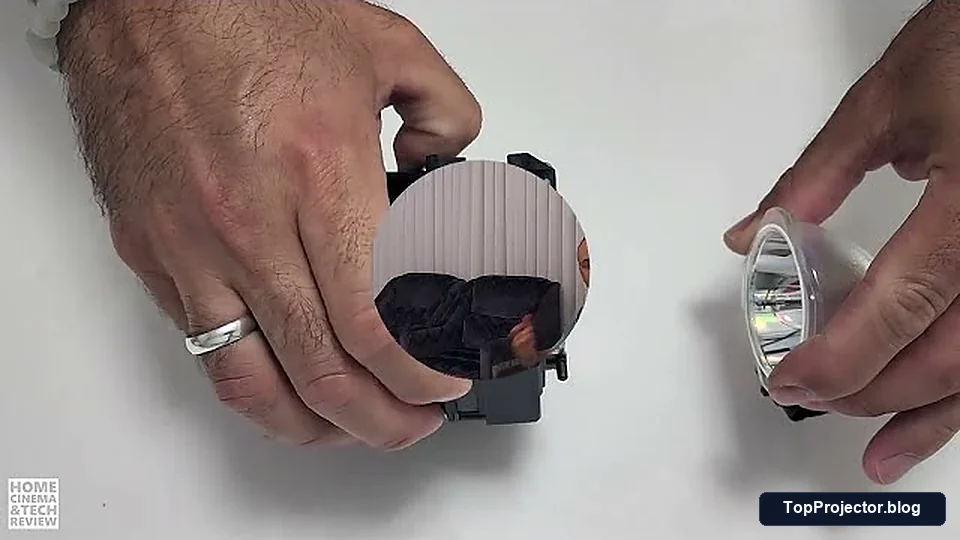
Accumulated dust creates microscopic hot spots on the quartz glass envelope. These thermal pockets weaken the structural integrity of high-pressure mercury lamps over time.
Cleaning or replacing the foam air filter every 100 hours prevents microscopic dust particles from settling on the optical path and frying the LCD panels.
- Vacuum exterior intake grilles monthly to minimize airborne dust ingress.
- Wash reusable foam air filters thoroughly and dry completely before reinstallation.
- Maintain adequate clearance space around all chassis ventilation ports.
- Never touch bare quartz glass with fingers during lamp module installation.
Proper Shutdown Procedures to Protect Hot Lamp Glass
Never unplug your projector directly from the wall outlet while operating. Always use the remote control to initiate the proper shutdown sequence, allowing cooling fans to run.
Cutting power prematurely traps intense residual heat inside the optical block. This thermal shock frequently shatters delicate quartz glass burners instantly.
- Allow cooling fans to complete their full post-shutdown cycle.
- Avoid moving or jostling the projector immediately after power down.
Proper Cool-Down Cycles and Power Management
Always allow the internal fans to run their full three-minute cool-down cycle before unplugging the unit to prevent localized heat pockets from cracking the burner.
- Uninterruptible power supplies prevent sudden fan shutdowns during unexpected power outages.
Evaluating Replacement Costs Versus Upgrading Your Projector
When an older UHP mercury lamp finally expires, owners face a crucial economic decision. Purchasing an official OEM replacement lamp module often costs several hundred dollars.
If your projector chassis is over six years old, investing in a brand new model featuring solid-state laser illumination frequently represents a wiser long-term financial choice.
When a replacement lamp exceeds thirty percent of a modern unit's cost, upgrading to a newer model with HDR tone mapping and lower latency is wiser.
- OEM replacement lamps guarantee correct optical alignment and safety.
- Third-party generic bulbs carry risks of premature failure and poor color.
- Older chassis lack modern high-bandwidth HDMI ports and HDR processing.
- Older 1080p chassis rarely justify expensive OEM lamp replacements today.
The Hidden Dangers of Cheap Third-Party Replacement Bulbs
Bargain aftermarket projector lamps often use substandard quartz glass and weak reflectors. These cheap alternatives can explode inside the optical chamber, destroying polarizing plates.
Always source genuine manufacturer-certified lamp modules to protect your valuable home theater investment and maintain factory color accuracy standards.
- Aftermarket bulbs frequently lack proper thermal safety cutoffs.
- Generic lamps often fail to meet advertised ANSI lumen specifications.
OEM Versus Third-Party Bulb Risk Analysis
Cheap third-party replacement bulbs often feature subpar arc gap tolerances that cause severe focus artifacts and irregular thermal hotspots inside the light tunnel.
- Always demand authentic manufacturer housing units to protect warranty coverage.
Best Practices for Monitoring Lamp Hours and System Diagnostics
Staying proactive requires knowing how to access your projector's internal service menu. Most home theater models display exact accumulated lamp hours within the system settings.
Recording these hour milestones in a log helps you budget for future maintenance and anticipate when image degradation will necessitate a lamp swap.
Accessing the hidden service menu via specific remote control sequences allows technicians to read precise lamp hour logs and reset operational counters correctly.
- Navigate to the system information tab to check current lamp hours.
- Reset the lamp timer strictly after installing a brand new module.
- Track viewing habits seasonally to forecast replacement timelines accurately.
- Check your network control dashboard via IP address for automated hour alerts.
Resetting the Lamp Hour Counter After Replacement
Installing a fresh lamp without resetting the internal hour counter causes tracking errors. The projector will continue issuing false warning messages or miscalculate brightness algorithms.
Execute the specific remote control key combination detailed in your manual immediately following a successful physical bulb module installation.
- Failure to reset timers can trigger automated safety lockouts.
- Keep installation receipts to verify warranty coverage periods.
Network SNMP Monitoring for Commercial Installations
Enterprise setups utilize standard SNMP protocols to poll projector status registers remotely, ensuring proactive lamp swaps occur before scheduled public screenings begin.
- Automated email alerts notify system integrators of impending hour thresholds.
Frequently Asked Questions
Can I touch a new projector bulb with my bare fingers?
Never touch the quartz glass envelope of a new projector lamp with bare skin. Natural finger oils create hot spots under extreme heat, causing premature shattering.
What happens if a projector bulb explodes inside the unit?
An exploding mercury bulb releases minuscule glass shards and mercury vapor inside the optical engine. Always unplug the unit immediately, wear gloves, and use a specialized HEPA vacuum.
Do laser projectors ever need their light source replaced?
Solid-state laser diodes do not feature consumable user-replaceable bulbs. Their twenty to thirty thousand hour lifespan generally outlasts the functional utility of the projector chassis.
Why is my projector dim even though the lamp hours are low?
Dust accumulation on internal optical polarizing plates or color wheels severely inhibits light output. Regular professional optical cleaning often restores brightness without needing a new bulb.
Is it safe to run my home theater projector in Eco Mode continuously?
Running your projector in Eco Mode is completely safe and highly recommended. It reduces fan noise, lowers operating temperatures, and extends your lamp life by up to fifty percent.